
डिवाइस help
Rummy ऐप auto-back और 99% loading fix
Auto-back crash और 99% loading loop aksar low RAM, corrupt temporary assets, blocked storage permission या incomplete update से hota hai. All data delete karne से पहले cache और storage checks करें.
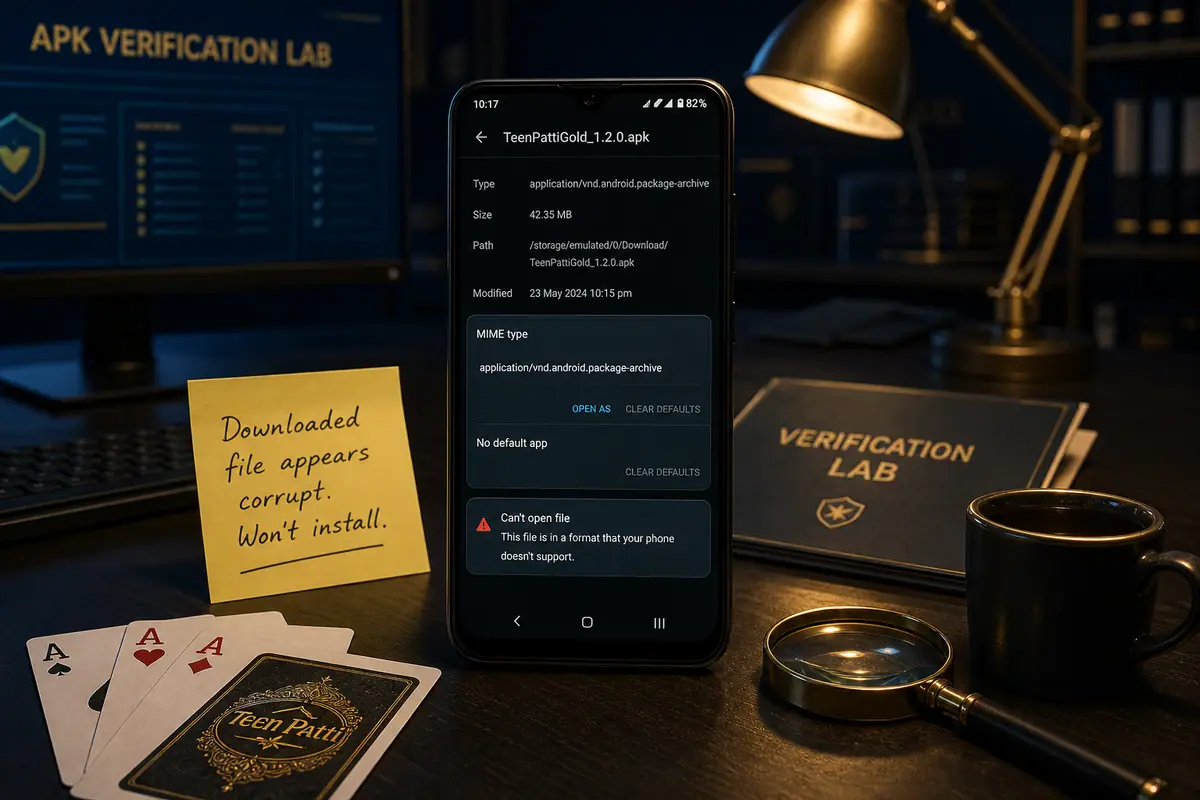
Seedha jawab: Background apps close करें, storage free करें, cache clear करें, low graphics mode use करें और फ़ाइल corrupt हो को publisher-सोर्स check से reinstall करें. Login recovery pata na हो को clear-data avoid करें.
Low-end फ़ोन recovery कदम
- फ़ोन restart करें, फिर सिर्फ Rummy ऐप open करें.
- Assets और temporary files के liye kam से kam 500 MB storage free rakhein.
- पहले cache clear करें. All data tabhi clear करें jab login details saved hon.
- High graphics, टेबल animations और background audio off करें.
- 99% पर loading ab bhi ruke को APK re-डाउनलोड karke फ़ाइल size verify करें.
सपोर्ट सबूत
एंड्रॉयड वर्ज़न, RAM, free storage, ऐप वर्ज़न और loading stop hone wali स्क्रीन share करें. Random मिरर build इंस्टॉल karne से yeh safer hai.