
Device help
Rummy app auto-back and loading stuck at 99% fix
Auto-back crashes and 99% loading loops usually mean low RAM, corrupted temporary assets, blocked storage permission or an incomplete update. Start with cache and storage checks before deleting all app data.
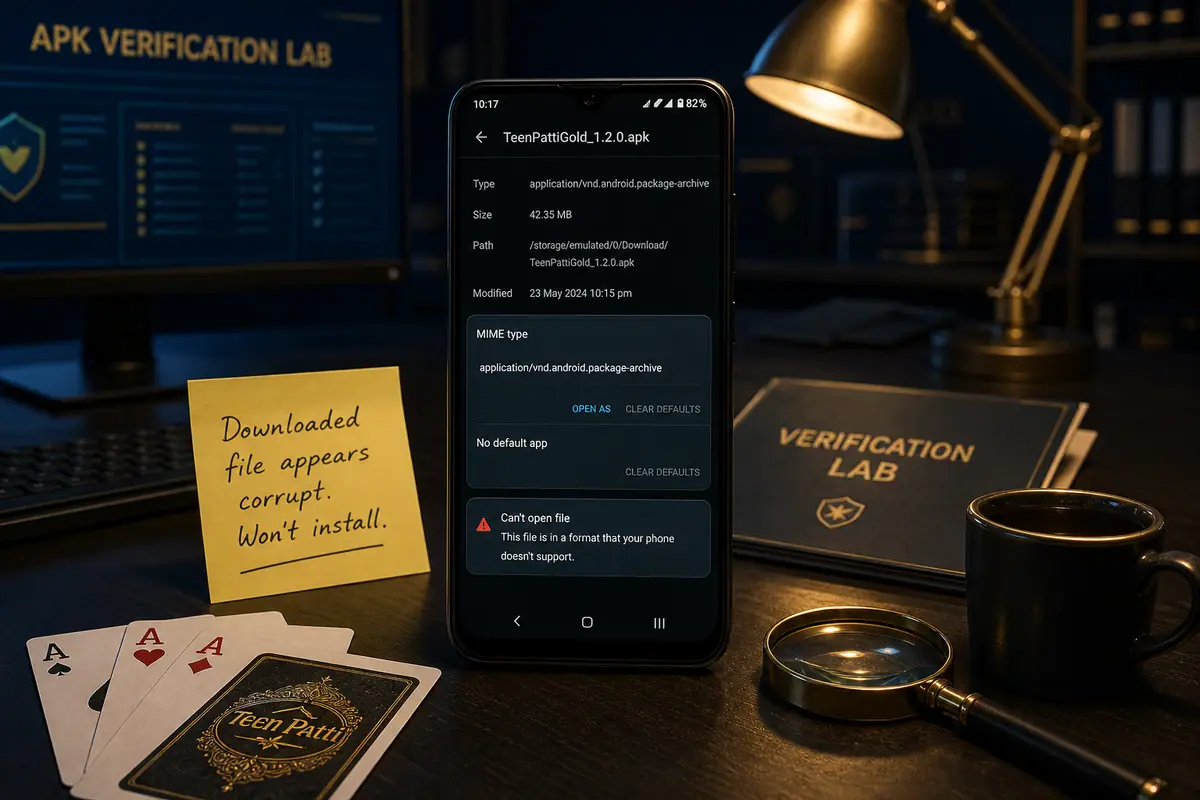
Direct answer: Close background apps, free storage, clear cache, switch to low graphics if available and reinstall only from a publisher-source check if the file is corrupt. Avoid clear-data unless you know your login recovery path.
Low-end phone recovery steps
- Restart the phone, then open only the Rummy app.
- Free at least 500 MB storage for assets and temporary files.
- Clear cache first. Clear all data only after saving login details.
- Turn off high graphics, table animations and background audio.
- If loading still stops at 99%, re-download the APK and verify the file size.
Support evidence
Share Android version, RAM size, free storage, app version and the screen where loading stops. This evidence is safer than installing a random mirror build.